
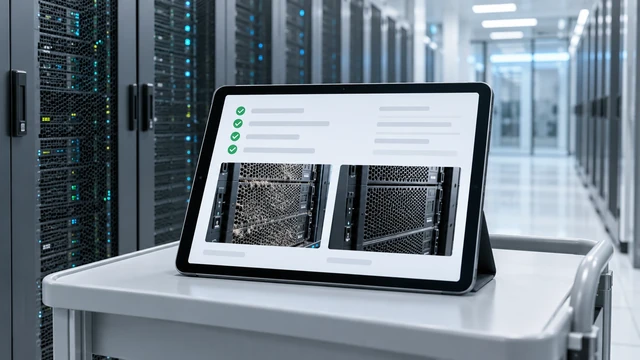
Assign cleaning records to the right location or device
A record names the room, installation or device, completion date and task performed. Clear identifiers make entries traceable across multiple sites. COM.SAR IT Cleaning agrees the report format and required fields with you. Observations remain separate from technical diagnoses and functional tests.
Before-and-after photos
Comparison photos show conditions before and after cleaning, for example beneath a raised floor, around a rack or inside equipment. We use similar viewpoints and identify the area shown. Photo permissions are established beforehand.
Observations and outstanding work
We record heavy deposits, restricted air paths and possible dust sources as observations. The report distinguishes completed tasks from items still needing attention. We discuss next steps and responsibilities with you.
Record and report damage
If we notice visible damage during cleaning, we document the affected location and inform your contact. The entry identifies the equipment or area, the date and what was observed; photographs are included where permitted. The responsible specialists assess the technical implications and any further action.
Readings with the details needed
Commissioned particle, temperature and humidity measurements are recorded with location, time and conditions. This makes them easier to interpret and compare later.
Advice on ongoing care
We recommend cleaning intervals and protection based on site conditions. During construction, this may mean barriers, HEPA air cleaning or a positive-pressure enclosure with temperature monitoring.
The report and handover
You receive the agreed summary of tasks, evidence, observations and recommendations. Format and recipients follow your internal processes. Photos and equipment information are shared only within the approved scope, taking access rights and sensitive details into account.